


How do you find out what queries customers use when searching for your company's services?
How do customers search for your business on Google and Yandex Maps?
Imagine that you are in a new city and want to quickly find a place for lunch. What query would you enter in the search?
🔹 "Cafe nearby"
🔹 "Georgian cuisine restaurant"
🔹 "Pizza delivery"
People rarely use complex phrases. They formulate requests simply, based on their immediate need.
⚡ What does this mean for your business?
If your card description does not contain the necessary keywords, the search engine simply will not show your business to the client.
📢 Attract more customers!
We will help youset up your card in Google and Yandex Mapsso that you can be found by the most popular queries!

How do you know what your customers are looking for?
1️⃣ Use Google and Yandex Maps
Try searching for your service the way a client would. Which companies appear in the search results? What keywords do they use in the description?
2️⃣ Pay attention to automatic suggestions
When you start typing a query in the maps, the system suggests popular phrases. These are the keywords that users use.
People write important keywords in their reviews themselves. For example, if you have a cafe, pay attention to what dishes customers mention most often.
4️⃣ Analyze your competitors
Look at the cards of the best companies in your niche. What keywords do they use in their descriptions, titles, and reviews?
📢 Do you want to know which queries will bring clients to you?
Get a free audit of your Google Maps card– we will show you what words to add to improve your search rankings!
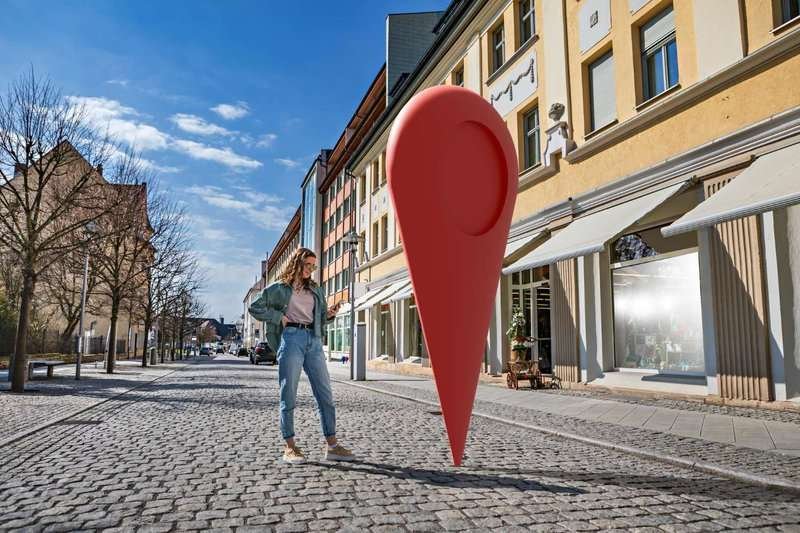
How to adapt your card to customer requests?
✔ Add keywords to the description
If you have a beauty salon, use phrases like "massage", "manicure", "pedicure", "skin care".
✔ Use natural wording
Not just "the best cafe", but "a coffee shop with desserts", "a cozy cafe with breakfasts".
✔ Update the description and photos regularly
Google and Yandex increase the ranking of active cards with updates.
👉 Set up your card correctly – get clients for free!
People are already looking for the services you offer. If you are not in the search or your card is not optimized, you are losing customers every day.
Use keywords, update information and be one step ahead of your competitors! 🚀
Frequently asked questions
Card optimization gives results in 2-4 weeks if you work with keywords and reviews.
Yes, using Google Trends, search suggestions, and competitor analysis.
Yes, company cards without an address can be searched for the queries I need if they are filled out correctly.
Yes, keeping the data up-to-date increases the chances of high search positions.

27 comments
Log in to leave a comment