




Dental Photos on Google Maps: Videos, Trust and Risks
Photos and videos in a dental clinic’s listing are not just “decoration” — they are a controllable layer of trust and conversion: they help a patient understand where they are going and reduce anxiety before the first call. [1] Google explicitly recommends adding photos and videos to make a profile more attractive, and notes that an exterior photo helps customers recognize the business when they visit. [2] At the same time, media content carries two groups of risks: platform-related risks (quality/filters/mismatch with reality) and legal risks (especially “before/after,” reviews/testimonials, and the use of patient images). [3] Below is a practical system: what shots a dental clinic needs, what videos work, what must not be done, and how to review your listing today.
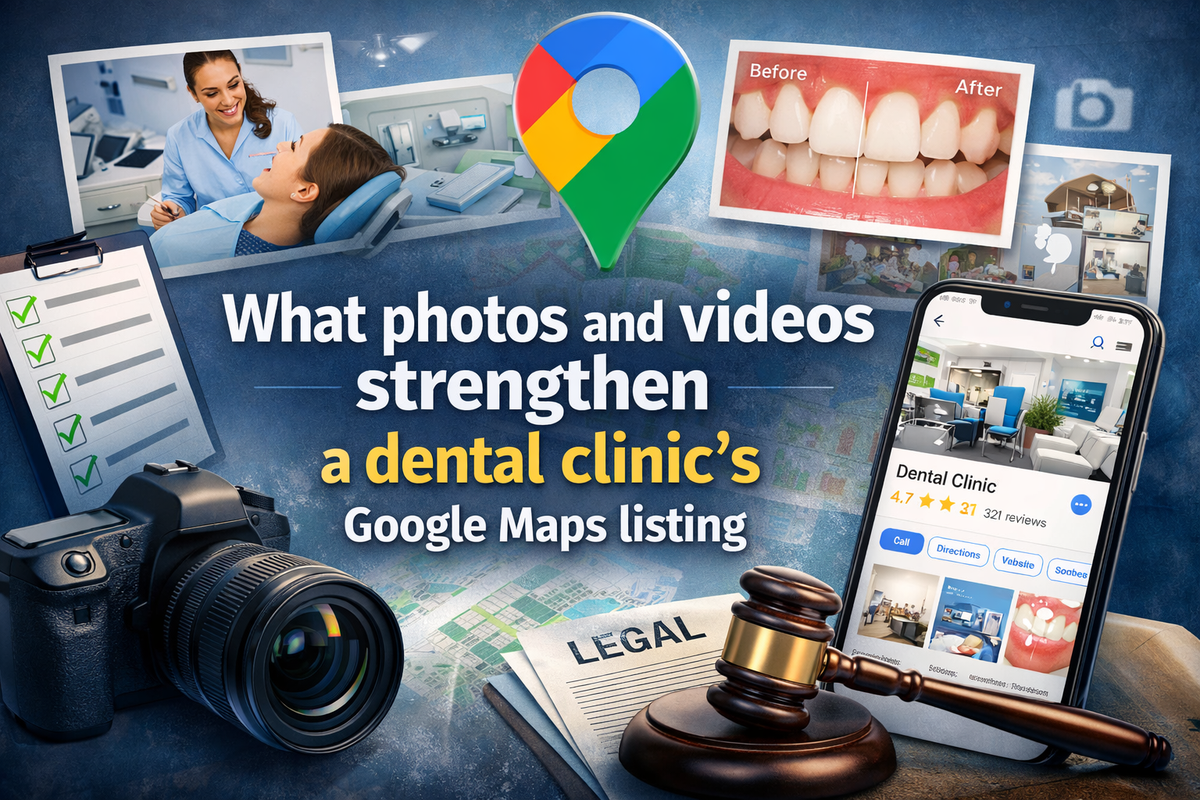
After the articles “why you are not visible” and “why review manipulation is dangerous,” the logical next step is the most “white-hat” lever — one that can be implemented quickly and almost always improves how the listing is perceived: media content. In its help documentation on local ranking, Google emphasizes that “complete and accurate info” increases the chance of appearing in local results, and among the specific actions it separately lists “Add photos & videos.” [4]
I will simplify the task down to practice: we do not need to “upload as many pictures as possible.” We need to assemble a minimal photo-and-video set that:
- shows the real clinic (what it looks like and how the process is organized);
- reduces uncertainty (“where is the entrance,” “what does the reception look like,” “is there sterility/equipment,” “who will greet me”);
- does not create legal and reputational landmines.
Why Visuals in Google Maps Affect Trust Even Before the First Call
Google states directly that photos and videos help “complete the profile” and “make it more attractive,” and that an exterior photo helps customers recognize the business when they visit. [5] This is not about algorithmic “secrets,” but about the psychology of choosing a high-trust service such as dentistry.
There is also an additional market signal: BrightLocal [6] in its Local Consumer Review Survey 2026 shows that people evaluate trust in reviews not only by stars and text. In the list of factors that influence trust in a specific review, it also mentions the presence of an “appealing photograph or video … accompanying the review” (a meaningful share of respondents point to this as a trust factor). [7] The same report also notes that consumers are increasingly using video channels for local business recommendations. [7]
The conclusion for dentistry is this: visuals in a listing are a “fast layer of persuasion” (both for Google and for the person). But they become persuasive only when they look truthful and high-quality.

Google’s Rules for Photos and Videos: Minimum Requirements You Cannot Ignore
Google has formalized media requirements for Business Profile. If you want stability, so that photos pass moderation and do not fall into “Not approved,” stick to the basics:
Photos and videos for Google Business Profile: what matters
Below is the official minimum for formats, sizes, and quality, plus two practical details people often forget when uploading media to a business listing.
Photos: official Google requirements
Videos: official Google requirements
The Dental Clinic Photo Set: Which Shots Actually Work in the Listing
I recommend thinking not in categories like “interior/exterior,” but in terms of patient tasks: “find the entrance,” “understand the level of service,” “see sterility and modern equipment,” “see the people.”
Below is the set of shots that usually gives the maximum effect with minimal time cost. It fully fits Google’s logic: show “storefront, products, services,” and use exterior photos for recognizability. [2]
How to build a strong photo pool for a dental clinic
A good set of photos for a business listing is not about “adding more pretty shots,” but about a clear visual logic: a person quickly sees the entrance, the space, the treatment room, and the people who will meet them.
Exterior and entrance
Take 2–3 daytime photos: facade, sign, entrance. This reduces “route uncertainty” and supports the benefit of exterior photos that Google explicitly describes in its help materials. [5]
Reception and waiting area
A patient often “buys” not only the service, but also peace of mind. Shoot bright, clean images without visual clutter. It is better to avoid visitors in the frame, or include only staff members who have given prior consent.
Treatment room and equipment
There is no need to show everything at once. Much better results usually come from 3–5 clean shots: the chair, the sterile area, part of the equipment, and a general room view.
Important: there must be no patient data visible on screens, cards, or work surfaces.
Team
Add 1–2 group photos and 2–3 solid portraits of the doctor or administrator. In dentistry, the feeling of “I understand who will meet me” often works better than yet another beautiful interior shot.
Process photos without a patient
You can show room preparation, instrument sterilization, and the team at work — but without medical details that may look intimidating or create unnecessary tension.
Show services through the environment, not the patient
For implants, orthodontics, and similar services, you do not need to start with “before/after.” It is often safer and stronger at the first touchpoint to show the consultation room, models, scanner, a dedicated area, or diagnostic materials.
Keep the photo pool fresh
Refresh the photo set from time to time. Google notes that media goes through review and has statuses, and it also explicitly recommends adding photos and videos as part of profile optimization. A “live” profile is usually perceived as more trustworthy, even though Google does not promise separate “ranking for photos.” [2]
🖼️ Place for an image or example
After this block, it is useful to insert either “an example of a good dental photo pool” in the order exterior → reception → treatment room → team, or a screenshot of the Photos section in Google Business Profile.

Video: How to Shoot It Short, Safe, and to the Point
Google limits videos to 30 seconds and requires at least 720p, so your format is “short, honest sketches,” not one-minute ad reels with editing.
I would use three scenarios that work best for dentistry:
Tour: “where you will arrive.” 20–30 seconds: entrance → reception → one treatment room → smile of the administrator/dentist. The main things are light, stabilization, and reality.
Short explanation of the process without medical details. For example: “how the first consultation works,” “how we plan treatment” — without showing a patient and without medical data.
Social proof without “testimonials.” Instead of “the patient said…” — “this is what the room/equipment/team looks like.” This reduces legal risk because as soon as you use patient stories/photos in marketing, you enter the zone of consent and regulation. [8]
Mini-case (network format). For a clinic chain, it is important that video and photos do not create the impression of “different brands.” It is better to make one consistent template: same duration, same types of shots (entrance/reception/treatment room/team), same tone. This reduces chaos and lowers the risk that one branch looks “worse” and drags the brand down.
What Can Harm the Listing: Common Mistakes and Red Flags
There are mistakes that rarely get you “banned,” but seriously damage trust. There are also mistakes that can lead to restrictions, complaints, or regulatory trouble. For dentistry, both groups matter.
What can weaken a dental media section
A weak photo section is not always about having too few images. More often, the problem is low realism, poor quality, privacy risks, or the fact that unofficial photos start dominating the listing.
Strong filters and “unreality”
Google explicitly says there should be no significant alterations or excessive use of filters, and that the image should represent reality. If the profile looks like a stock photo shoot, some patients see it as marketing instead of reality. [5]
Dark or blurry photos
Google requires media to be in focus and well lit. Even if this is not treated as a direct violation, it still lowers conversion. [5]
Photos with personal data
In dentistry, this often goes unnoticed: a patient’s name on a screen, a form, or a schedule board in the background. In an EU or UK context, this can easily qualify as personal data; the ICO defines personal data as information about an identifiable person. [9]
Before-and-after content without proof and consent
This is a separate risk area, because in the UK and the US there are very specific expectations for dental advertising and marketing. [10]
Chaotic photo sources
A listing may include user-uploaded photos as well. Google describes media statuses and the possibility of removal or reporting. In practice, if your official photos are weak, user photos may start dominating — and there is no guarantee they will present the business well. [5]
Before/After: Rules and Consent in Different Jurisdictions
I am intentionally writing this section not in “legal language,” but as a practical checklist: what is needed for “before/after” to work without turning into risk.
United States: Consent, HIPAA, and Marketing
American Dental Association [11]explicitly recommends: if you use a patient image in advertising, you must have the patient’s written permission. Moreover, ADA clarifies that for practices subject to HIPAA, [12] before using full-face photographs or comparable images by which the patient can be identified, a “written valid authorization” is required.[12]
ADA publishes a sample HIPAA authorization form for the use of patient photos in a marketing campaign — this is a good reference for what the “right paperwork” looks like and what fields/wording are usually included: description of the information, purpose of use, expiration, right to revoke. [13]
U.S. Department of Health and Human Services [14] in its HIPAA Marketing guidance says: with limited exceptions, the HIPAA Privacy Rule requires written authorization before using/disclosing protected health information for marketing. [15]
United Kingdom: Substantiation and Avoiding Exaggerated Expectations
General Dental Council of Great Britain [16] requires that advertising and public materials be accurate, not misleading, and supported by facts; separately, it requires avoiding claims that create unjustified expectations of results. [17]
Advertising Standards Authority of Great Britain [18] in its guidance for the dental sector specifies specifically for “before and after” that such images must be genuine and representative, and that the advertiser must have signed and dated proof. [19] In more general before/after guidance, ASA/CAP adds that before/after is treated as testimonials; you must have evidence of authenticity and the absence of manipulation. [20]
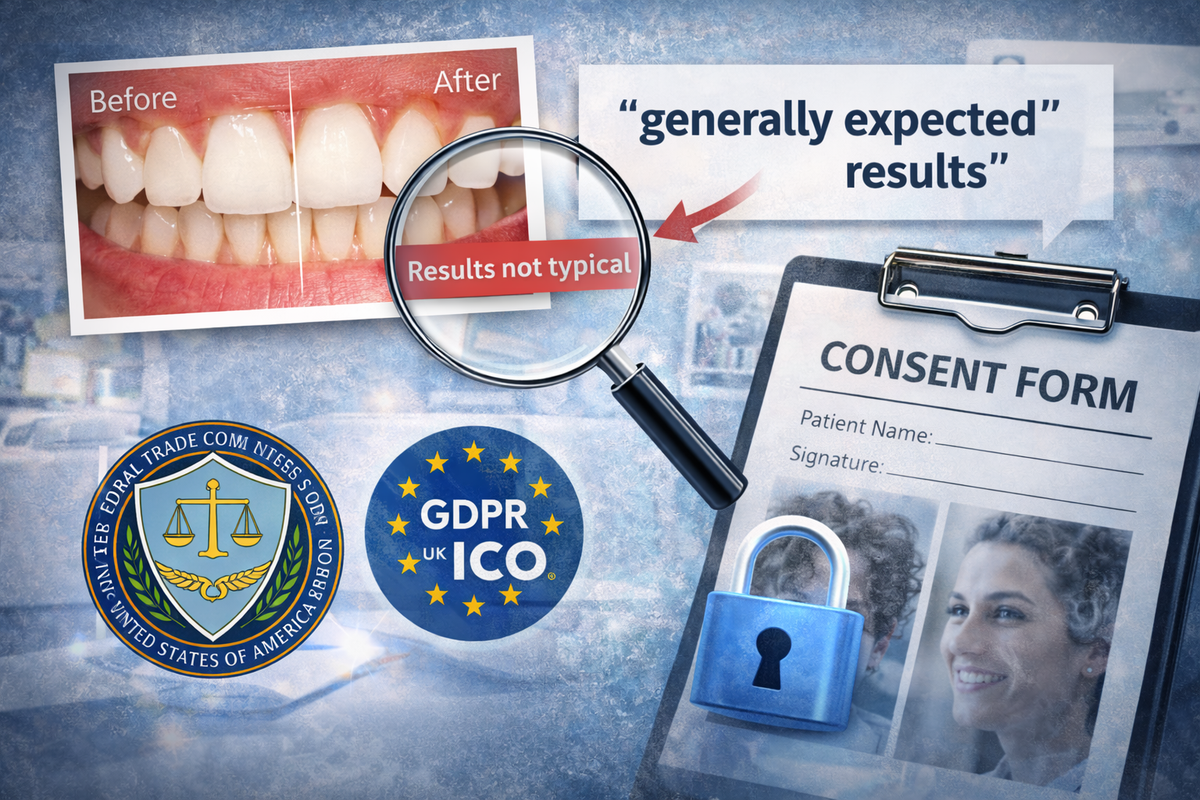
Reviews/Testimonials and “Typicality of Results” (Important for Before/After)
US Federal Trade Commission in the Endorsement Guides [21] (16 CFR Part 255) sets out a key principle: if advertising, including visual “before/after,” creates the impression that the result is “typical,” the advertiser must have adequate substantiation, and “Results not typical” may be an insufficient disclaimer; “generally expected results” must be disclosed clearly and conspicuously. [22]
EU/UK GDPR: Personal Data and Transparency
If you collect/store/publish a patient’s photo, especially a face, tattoos, or unique identifying traits, you are almost always dealing with personal data. ICO defines personal data as any information about an identified or identifiable person. [9]
European Commission [23] describes the basic principle of transparency: when collecting personal data, you must clearly tell the person who you are, why you are using the data, the legal basis, the storage period, the recipients, the data subject’s rights, and so on. [24]
What to Check Today: Quick Checklist and Soft CTA for a Free Audit
Below is a checklist you can go through in one evening. It is based on what Google directly recommends as “Keep info up-to-date” and “Add photos & videos,” as well as the technical requirements for media.[25]
Checklist: What to check today
A quick review for a dental business listing: media quality, patient trust, navigation clarity, and risks around “before/after” content.
Quality and rule compliance
- Photos are in focus and well lit, without over-filtering, and look like a real clinic — Google requires images to represent reality. [5]
- Uploaded files meet the basic format and size requirements: JPG/PNG, 10 KB–5 MB, minimum 250×250, recommended 720×720. [5]
- Videos meet the requirements: up to 30 seconds, up to 75 MB, quality 720p+. [5]
Patient trust and navigation clarity
- There is an up-to-date exterior photo of the entrance or sign — Google specifically notes the value of exterior photos for recognizing a business. [5]
- There are photos of the reception area, waiting area, treatment room, and team — the patient understands where they are going.
- There are no photos with documents, screens, schedules, or other details that may contain personal information.
Risks of “before/after” content
- If you use “before/after,” you have written patient consent, evidence of authenticity and representativeness, and you do not create unjustified expectations about results. [26]
- If you show results, you understand the principle of expected results and do not rely on a “not typical” disclaimer as a universal shield. [22]
If you are not sure whether your photos/videos strengthen your listing or, on the contrary, weaken trust, you can start with a diagnostic step.
MapsAudit offers a free listing audit: all you need is a public Google Maps listing link, no login required, turnaround up to 48 hours, and the result is ten prioritized recommendations and step-by-step examples. Important for transparency as well: the site has a clear disclaimer that the service is not affiliated with Google.
Priority sources used in the article
These are the core sources behind the article: Google rules, dental advertising standards, privacy requirements, and consumer behavior research.
Google Business Profile Help: photo/video rules and file quality requirements
Google Business Profile Help: local ranking factors and recommendations
American Dental Association: written consent for patient photos and HIPAA note
U.S. Department of Health & Human Services: HIPAA marketing guidance
General Dental Council UK: requirements for truthful and evidence-based advertising
ASA UK: before-and-after requirements
U.S. Federal Trade Commission: Endorsement Guides
European Commission and ICO UK: transparency in collecting personal data
BrightLocal: reviews, trust in photos/videos, and the rise of video recommendations
Additional practical source: Google Maps audit

1 comment
Log in to leave a comment